Google Business Profile tips for tradies
Updated 20 November 2026 · 5 min read · Zentec Global, Melbourne
Your Google Business Profile is the listing that appears in Google Maps and beside the results when someone searches for your business or your trade. It is free, and most tradies set it up once and never touch it again. This guide covers the settings that matter and the mistakes that can get a profile suspended.
Claim and verify your profile
Search for your business on Google. If a listing already exists, claim it. If it does not, add it. Google will ask you to verify that you run the business, usually by video, phone, text or postcard depending on your case.
Use a Google account that belongs to the business owner. If a former employee or an agency's personal account controls the profile, you can lose access when they leave. Check who the owners and managers are in the profile settings.
Use your real business name
Google's guidelines say your name should match what you use in the real world, on your signage, invoices and website. Adding keywords such as "Best Cheap Plumber Melbourne" to the name breaks the rules and can lead to suspension. Put those words in your description and services instead, in plain sentences.
Choose categories carefully
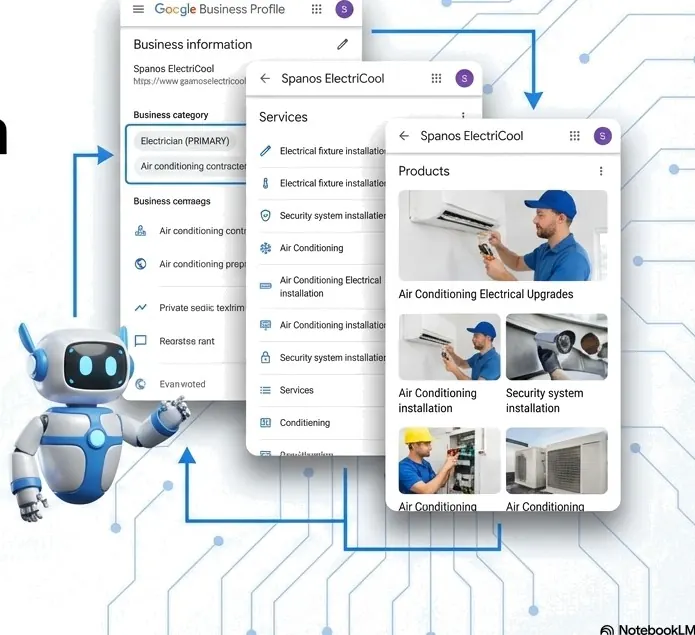
Your primary category is the most important label on the profile. Pick the most specific one that fits the main job you do, such as Electrician or Roofing contractor. Then add secondary categories for other work you offer, such as Air conditioning contractor.
Only add categories for work you really do. A long list of loosely related categories makes the profile look unfocused and can attract calls you do not want.
Set service areas if you travel to customers
If you work at customers' homes and they do not visit you, you are a service-area business. Google lets you hide your street address in that case and list the areas you serve instead.
List the suburbs or regions you actually reach and keep the list realistic. Google limits how many areas you can add, and listing places you do not serve invites complaints and can put the profile at risk.
Fill in services and the description
Add each service as its own entry with a short plain description, such as "Hot water system replacement" or "Blocked drain clearing". Customers read these to check that you do the job they have.
Write the business description in your own voice. Say what you do, where you work and how long you have been doing it, if you can say that truthfully. Google limits the description length, so lead with the most important points and leave out the keyword lists.
Keep your hours right
Wrong hours cost jobs and create bad reviews. Set your regular hours, then add special hours for public holidays and the Christmas period. Mark yourself open 24 hours only if someone really answers at 3am.
If after-hours calls go to a text back or an AI receptionist, say so in your description so customers know what to expect.
Add real photos, regularly
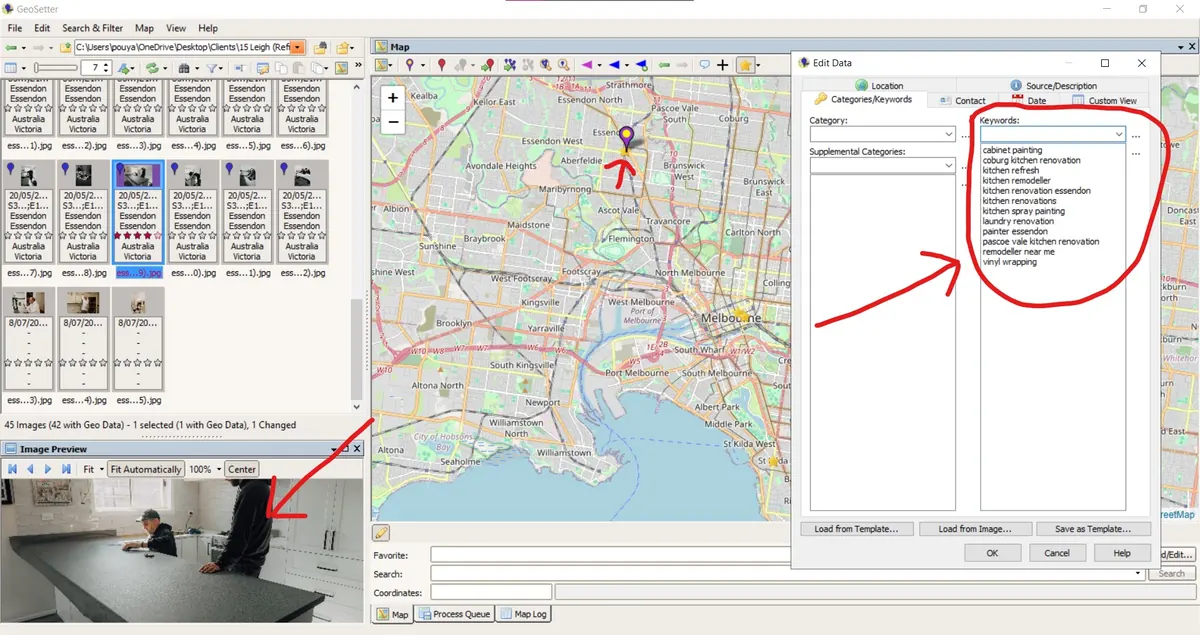
Upload photos of your work, your team, your van and your tools. Real photos from real jobs are more convincing than stock images. Add a few each month, and ask customers first if their home or personal details are visible.
- Before and after photos of finished jobs.
- Your van with the signage showing.
- A team photo.
- Your logo and a clear cover photo.
Post an update each month
Posts appear on your profile and show customers that the business is active. A good post names a real job, the suburb and what you did, with a photo and a call button.
We write monthly keyword posts in-house for our clients so their profiles stay current. If you write your own, set a monthly reminder and keep each post about one job or one service.
Examples from our clients